你想和朋友一起下象棋嗎?線上象棋雙人對弈有三種超實用的玩法!同裝置輪流下、線上遠端對戰、房間邀請對弈,每種都有最適合的平台和操作方式。
🎮 想馬上開始? → Tool Master 同裝置雙人模式
同裝置雙人模式玩法
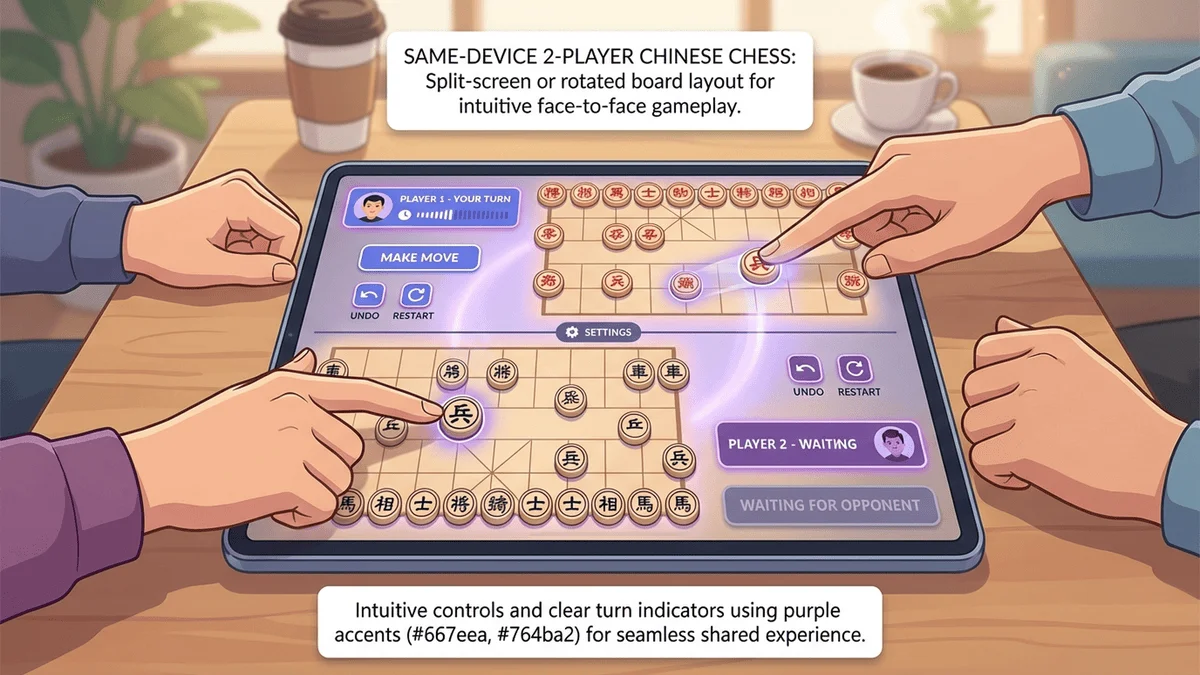
線上象棋雙人對弈的3種玩法 3 Ways to Play Online Chinese Chess with Two Players 1. 同裝置雙人模式(輪流下) 1. Same-Device Two-Player Mode (Taking Turns) 這是最簡單的玩法!兩個人用同一台電腦或手機,輪流點擊移動棋子。
適合場景 :面對面坐在一起、家庭聚會、朋友來家裡、教學示範
優點 :
✅ 不用註冊
✅ 不用配對等待
✅ 5秒就能開始
✅ 像實體棋盤一樣自然
最推薦平台 :Tool Master(開網頁即玩)
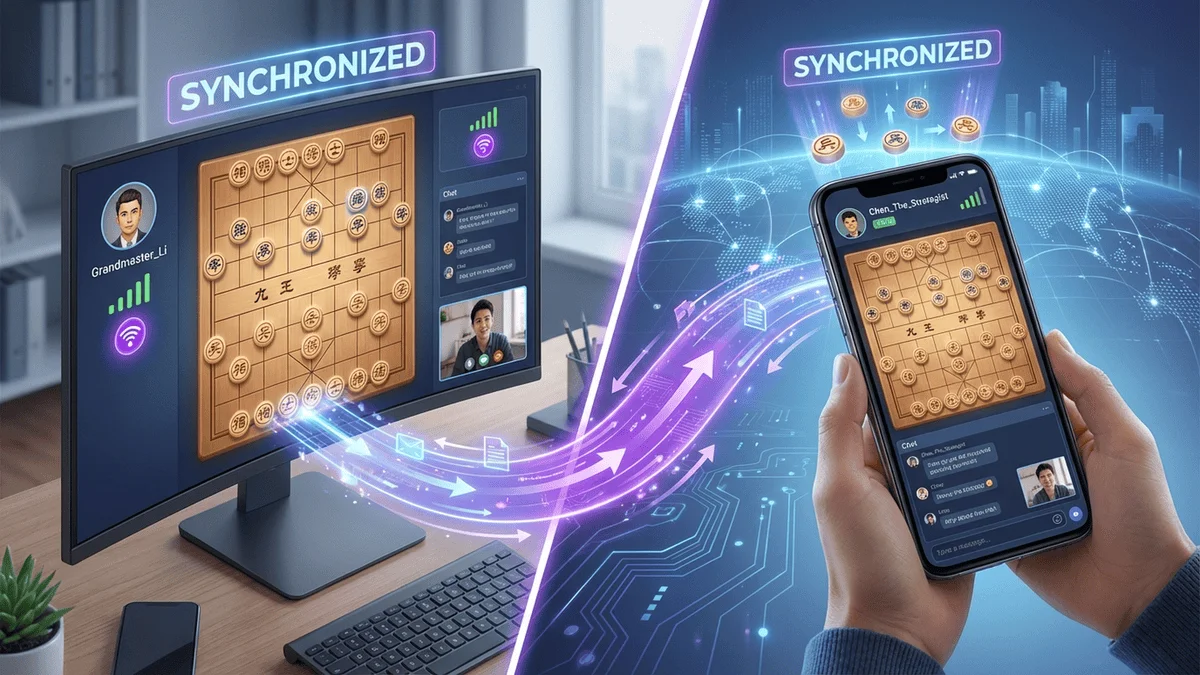
2. 線上遠端對戰(隨機配對) 2. Online Remote Battle (Random Matching) 透過網路與不認識的玩家配對對弈。
適合場景 :想找陌生人練習、測試自己的實力、排名競技
優點 :隨時都有對手、可以看排名
缺點 :需要註冊帳號、配對需要1-3分鐘
推薦平台 :象棋Online、天天象棋
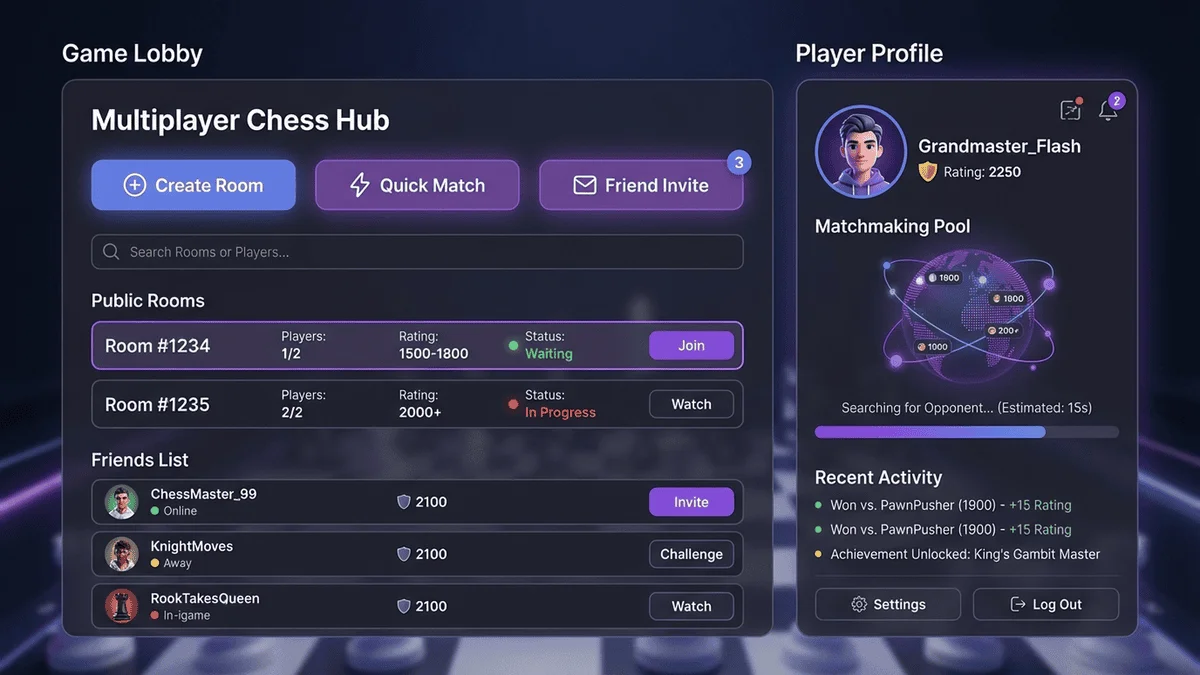
3. 房間邀請對弈(與朋友遠端對戰) 3. Room Invite (Remote Battle with Friends) 創建私人房間,邀請特定朋友加入對弈。
適合場景 :和遠方朋友對戰、線上約戰、固定對手練習
優點 :可以選擇對手、可以設定規則
缺點 :雙方都需要註冊、需要分享房間號
推薦平台 :天天象棋、LiChess
遠端線上對戰模式
同裝置雙人模式教學|Tool Master Same-Device Two-Player Tutorial | Tool Master Tool Master 提供最簡單的同裝置雙人模式:
✅ 5秒開始 :開網頁即玩
✅ 免註冊 :不用登入帳號
✅ 輪流下棋 :就像實體棋盤一樣自然
✅ 支援所有裝置 :電腦、手機、平板
操作步驟 Steps
開啟 Tool Master :打開 Tool Master 線上象棋 開始遊戲 :點擊「開始遊戲」按鈕輪流下棋 :紅方先下,點擊棋子再點目標位置,下完後換對方
小技巧 Tips
固定位置 :紅方坐下方、黑方坐上方中途暫停 :直接停止操作即可,沒有時間限制重新開始 :如果需要重來,重新開始遊戲即可
房間邀請和配對系統
雙人對弈平台完整比較 Platform Comparison
平台 玩法類型 需要註冊 開始時間 推薦度
Tool Master 同裝置雙人 ❌ 5秒 ⭐⭐⭐⭐⭐ 象棋Online 線上遠端對戰 ✅ 1-3分鐘 ⭐⭐⭐⭐ 天天象棋 房間邀請對弈 ✅ 2-4分鐘 ⭐⭐⭐⭐
不同場景的最佳選擇 Best Choice by Scenario 面對面和朋友下棋 → Tool Master(5秒開始、免註冊)
想找陌生人練習 → 象棋Online(玩家多、配對快)
和遠方朋友約戰 → 天天象棋(房間系統完善)
家庭聚會娛樂 → Tool Master(不用下載、適合所有年齡)
常見問題 FAQ Q1:Tool Master 支援幾人對弈? Q1: How many players does Tool Master support? Tool Master 支援雙人輪流對弈,就像實體棋盤一樣。
Q2:遠端對戰需要付費嗎? Q2: Is remote battle free? 大部分平台的基本對戰功能都是免費的。Tool Master 完全免費。
Q3:推薦給新手的雙人對弈方式? Q3: Best two-player mode for beginners? 最推薦 Tool Master 同裝置雙人模式,操作最簡單、不用註冊、可以邊下邊討論。
結論 Conclusion 線上象棋雙人對弈有三種玩法,每種都有最適合的情境:
面對面 → Tool Master
找陌生人 → 象棋Online
和遠方朋友 → 天天象棋
🎉 立即免費玩 Tool Master 雙人象棋
Want to play Chinese chess with friends? There are three great ways to play online two-player chess! Same-device taking turns, online remote battles, and room invites.
🎮 Want to start now? → Tool Master Same-Device Two-Player Mode
線上象棋雙人對弈的3種玩法 3 Ways to Play Online Chinese Chess with Two Players 1. 同裝置雙人模式(輪流下) 1. Same-Device Two-Player Mode (Taking Turns) The simplest way! Two people use the same device and take turns moving pieces.
Best for : Sitting together, family gatherings, friends visiting, teaching
Advantages :
✅ No registration needed
✅ No matchmaking wait
✅ Start in 5 seconds
✅ Natural like a physical board
Recommended : Tool Master (opens in browser)
2. 線上遠端對戰(隨機配對) 2. Online Remote Battle (Random Matching) Match with unknown players over the internet.
Best for : Practice with strangers, test your skills, ranked play
Pros : Always opponents available, rankings
Cons : Registration required, 1-3 min matching
Recommended : Chess Online, Tiantian Chess
3. 房間邀請對弈(與朋友遠端對戰) 3. Room Invite (Remote Battle with Friends) Create private rooms and invite specific friends.
Best for : Playing with distant friends, scheduled matches
Pros : Choose opponent, set rules
Cons : Both need accounts, share room code
Recommended : Tiantian Chess, LiChess
同裝置雙人模式教學|Tool Master Same-Device Two-Player Tutorial | Tool Master Tool Master offers the simplest same-device two-player mode:
✅ Start in 5 seconds : Opens in browser
✅ No registration : No login needed
✅ Take turns : Natural like a physical board
✅ All devices : Computer, phone, tablet
操作步驟 Steps
Open Tool Master : Go to Tool Master Online Chess Start Game : Click "Start Game" buttonTake Turns : Red moves first, click piece then target, then opponent's turn
雙人對弈平台完整比較 Platform Comparison
Platform Play Type Registration Start Time Rating
Tool Master Same-device ❌ 5 sec ⭐⭐⭐⭐⭐ Chess Online Remote battle ✅ 1-3 min ⭐⭐⭐⭐ Tiantian Chess Room invite ✅ 2-4 min ⭐⭐⭐⭐
不同場景的最佳選擇 Best Choice by Scenario Face-to-face with friends → Tool Master (5 sec, no registration)
Practice with strangers → Chess Online (many players, fast matching)
Remote with friends → Tiantian Chess (good room system)
Family entertainment → Tool Master (no download, all ages)
常見問題 FAQ Q1:Tool Master 支援幾人對弈? Q1: How many players does Tool Master support? Tool Master supports two-player taking turns, just like a physical board.
Q2:遠端對戰需要付費嗎? Q2: Is remote battle free? Most platforms offer basic battles for free. Tool Master is completely free.
Q3:推薦給新手的雙人對弈方式? Q3: Best two-player mode for beginners? Tool Master same-device mode - simplest operation, no registration, can discuss while playing.
結論 Conclusion Three ways to play two-player Chinese chess online:
Face-to-face → Tool Master
With strangers → Chess Online
With distant friends → Tiantian Chess
🎉 Play Tool Master Two-Player Chess Now - Free!